SEO Audit Checklist | How to Review Your Entire Website's SEO

An SEO audit is a systematic review of your entire website: the technical foundation, site structure, and settings that affect whether search engines can find and understand your content. Where an on page SEO posting checklist helps you optimize individual pages, an audit looks at site-wide patterns and potential issues.
This is useful if you've never reviewed your site's SEO setup, if you've taken over a website from someone else, or if you've noticed a traffic drop and want to diagnose potential causes. At the end of this post, there's a downloadable checklist you can use to work through your own audit.
Google's tools and ranking factors evolve constantly. The standalone Mobile-Friendly Test tool was retired in December 2023. Core Web Vitals metrics changed in March 2024. AI Overviews now appear in many search results. This post reflects best practices as of December 2025, but always cross-reference with Google's official documentation for the latest guidance.
When to Run an Audit
Audits don't need to happen frequently. They're a periodic health check rather than a regular task. Run an SEO audit when you've never reviewed your site's SEO setup, recently took over a website, noticed organic traffic drops, are planning a redesign or migration, or if it's been 6-12 months since your last review.
- You've never reviewed your site's SEO setup
- You've recently taken over a website (new job, new client, business acquisition)
- Organic traffic has dropped and you're trying to identify causes
- You're planning a redesign or site migration
- It's been 6-12 months since your last review
The goal is to identify issues that may be limiting your site's visibility so you can prioritize fixes based on impact.
Technical Foundation
Before looking at content, it helps to verify that your site's technical foundation meets the baseline requirements for search engines to crawl and index your pages properly.
SSL Certificate (HTTPS)
Your site should load with https:// rather than http://. The padlock icon in the browser bar indicates that you have an SSL certificate installed and the connection is encrypted.
Google confirmed HTTPS as a ranking signal back in 2014. Beyond SEO, most browsers now display warnings for non-HTTPS sites, which can deter visitors from staying on the page.
To check: visit your site and look at the URL bar. If you see "Not Secure" or no padlock, you'll need to install an SSL certificate. Most web hosts offer free SSL through Let's Encrypt.
Mobile-Friendliness
Google uses mobile-first indexing, which means it primarily looks at the mobile version of your site when determining how to rank it. If your site doesn't function well on mobile devices, this can limit visibility in search results.
Note: Google's standalone Mobile-Friendly Test tool was retired in December 2023. To check mobile-friendliness now, you have a few options:
- Lighthouse in Chrome DevTools: Right-click any page, select "Inspect," then go to the Lighthouse tab. Run an audit with "Mobile" selected to see mobile-specific issues.
- PageSpeed Insights: pagespeed.web.dev shows mobile performance and flags usability issues as part of its report.
- Manual testing: Pull up your site on an actual phone. Can you read the text without zooming? Do buttons and links work? Does the navigation function as expected?
Page Speed and Core Web Vitals
Slow-loading sites tend to have higher bounce rates and may rank lower in search results. Google uses Core Web Vitals as part of its page experience ranking signals: Largest Contentful Paint (aim for under 2.5 seconds), Interaction to Next Paint (aim for under 200 milliseconds), and Cumulative Layout Shift (aim for under 0.1).
The current Core Web Vitals metrics (as of 2025) are:
- Largest Contentful Paint (LCP): Measures loading performance. Aim for under 2.5 seconds.
- Interaction to Next Paint (INP): Measures responsiveness. Aim for under 200 milliseconds. (INP replaced the older First Input Delay metric in March 2024.)
- Cumulative Layout Shift (CLS): Measures visual stability. Aim for under 0.1.
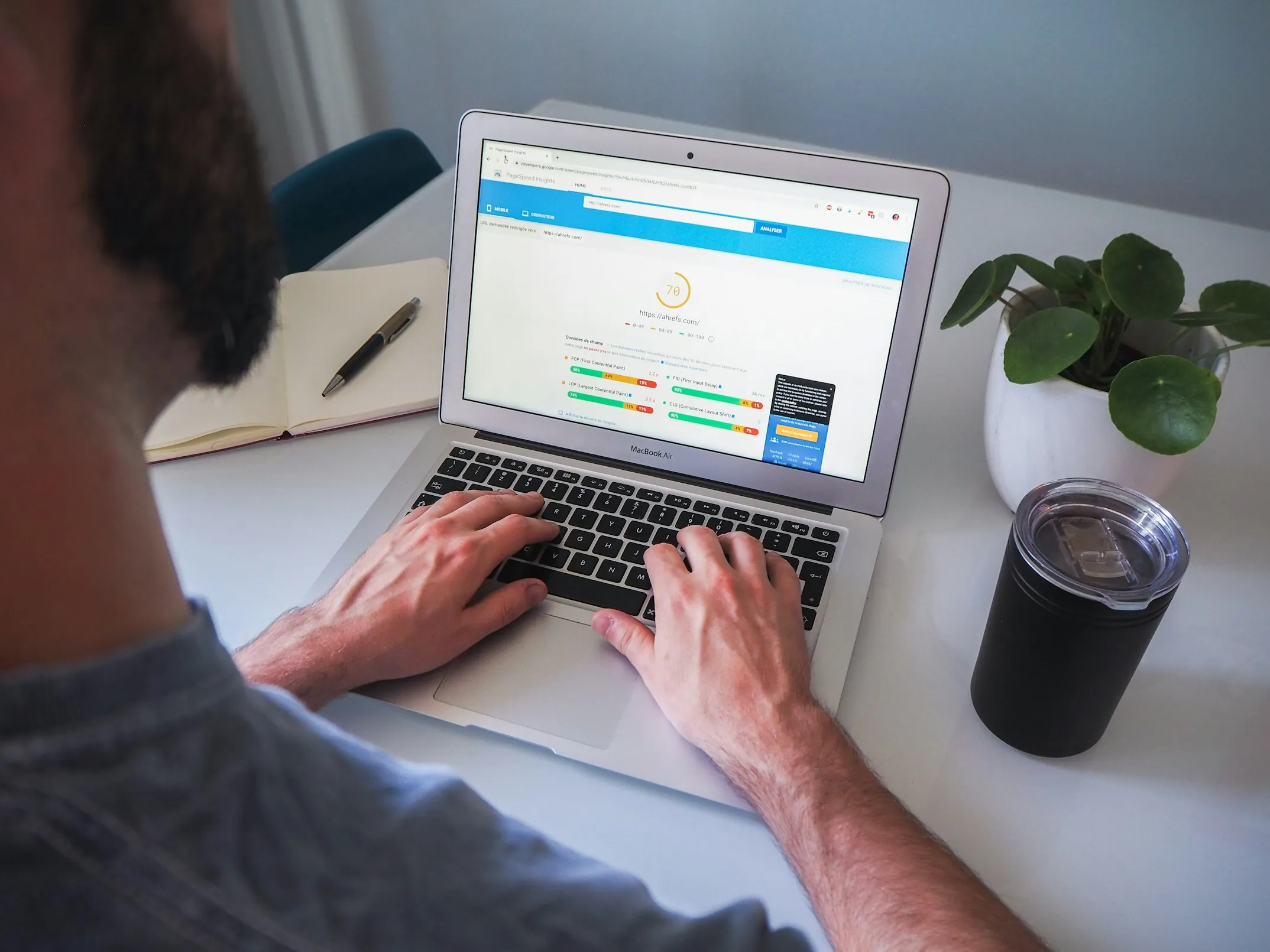
Google PageSpeed Insights provides scores for both mobile and desktop, along with specific recommendations. It shows your Core Web Vitals scores and explains what's contributing to any issues.
Common speed issues include uncompressed images, too many plugins, slow hosting, and render-blocking scripts. You may not be able to address everything, but the report shows what's having the biggest impact.
For most small business sites, focusing on the basics (image compression, reasonable hosting) matters more than chasing a perfect score. Content quality still has more impact on rankings than the difference between a score of 75 and 95. Get to "Good" on the Core Web Vitals, then focus your energy on content.
SEO Audit Checklist
Work through your site audit systematically with this downloadable checklist.
Get the checklist →Crawlability and Indexing
Search engines send automated programs (crawlers) to discover and read your pages. If something blocks or confuses these crawlers, your content may not appear in search results.
Google Search Console
If you don't have Google Search Console set up, this should be a priority. It's free, and it's the primary way Google communicates with you about your site's presence in search.
Search Console shows you which pages are indexed, which have errors, what search queries bring traffic, and whether Google has detected any problems with your site. According to Google's documentation, it's the recommended tool for monitoring your site's search performance.
To set up: go to search.google.com/search-console, add your property, and verify ownership. This usually involves adding a meta tag or DNS record, and the tool provides instructions.
XML Sitemap
A sitemap is a file that lists the pages on your site that you want search engines to find. It helps crawlers discover your content, particularly new pages.
To check: try visiting yoursite.com/sitemap.xml. If you're using WordPress with an SEO plugin like Yoast or RankMath, the sitemap is usually generated automatically. If you don't have one, you'll need to create it. Most SEO plugins include this functionality.
Once you have a sitemap, you can submit it in Google Search Console under the Sitemaps section. Google's sitemap documentation provides more detail on format and submission.
Robots.txt
The robots.txt file tells search engine crawlers which parts of your site they can access. It lives at yoursite.com/robots.txt.
Things to check:
- Make sure you're not accidentally blocking important pages. A line like
Disallow: /blocks your entire site from being crawled. - Common valid blocks include
/wp-admin/(WordPress admin area) and/cart/(shopping cart pages you don't want indexed).
Google's robots.txt documentation explains the syntax, and Search Console includes a robots.txt tester.
Index Coverage
In Google Search Console, the Pages report (found under Indexing) shows which pages are indexed, which are excluded, and why. This is useful for identifying problems like:
- Pages blocked by robots.txt that shouldn't be
- Pages with "noindex" tags that you actually want indexed
- Duplicate content issues (multiple URLs serving the same content)
- 404 errors (pages that no longer exist)
- Redirect chains or loops
On-Page Elements Across Your Site
While individual page optimization is covered in the posting checklist, an audit looks for site-wide patterns.
Missing or Duplicate Title Tags
Each page should have a unique title tag. If multiple pages share the same title, or if pages are missing titles entirely, search engines have a harder time distinguishing between them.
SEO crawling tools like Screaming Frog (free for up to 500 URLs), Sitebulb, or browser extensions like SEO Minion can scan your site and flag duplicate or missing titles.
Missing or Duplicate Meta Descriptions
The same principle applies to meta descriptions. While Google sometimes generates its own snippets, having unique, descriptive meta descriptions for each page gives you more control over how your pages appear in search results.
Broken Internal Links
Over time, as you delete pages or change URLs, internal links can break and point to pages that no longer exist. Google Search Console shows 404 errors in the Pages report, and crawling tools like Screaming Frog can identify broken links throughout your site.
When you find broken links, you have a few options:
- Update the link: If the content moved to a new URL, edit the link to point to the correct page.
- Set up a 301 redirect: A 301 redirect automatically sends visitors (and search engines) from the old URL to a new one. This is useful when you've changed a URL structure or consolidated pages. Most SEO plugins (Yoast, RankMath) have a redirect manager, or you can add redirects through your hosting panel or .htaccess file. The "301" tells search engines this is a permanent move, so any SEO value from the old URL transfers to the new one.
- Remove the link: If the content no longer exists and there's no relevant replacement, delete the link entirely.
- Request removal from Google's index: If a deleted page is still showing up in search results, you can use the Removals tool in Google Search Console to request temporary removal while Google's crawlers catch up. This is a temporary fix (lasts about 6 months), so you'll still want to ensure the page returns a proper 404 or redirect.
Duplicate Content
If the same content appears at multiple URLs, search engines have to determine which version to rank. This can dilute the ranking potential of the page.
Common causes include:
- Both WWW and non-WWW versions of your site being accessible
- Both HTTP and HTTPS versions being accessible
- Trailing slash inconsistencies (
/pagevs/page/) - URL parameters creating duplicate pages
The typical fix is either canonical tags (telling Google which version is authoritative) or 301 redirects (sending all versions to one URL). Try all four variations of your homepage (http/https, www/non-www) and verify that they all redirect to a single version.
Analytics Setup
Without tracking in place, you have limited visibility into what's working and what isn't.
Google Analytics 4
Universal Analytics stopped processing data in July 2023. If you haven't set up Google Analytics 4, you may not be tracking anything.
To check: log into Google Analytics. If you see data from the last 7 days, tracking is working. The real-time report can confirm that your current session is being recorded. Crawling tools can also verify that the GA4 tracking code is installed across all pages.
Conversion Tracking
Beyond pageviews, consider whether you're tracking the actions that matter to your business: form submissions, purchases, email signups, phone clicks. Without conversion tracking, it's difficult to know which traffic sources and pages are actually driving results.
Local SEO
If you have a physical location or serve a specific geographic area, local SEO factors become relevant.
Google Business Profile
Claim and verify your Google Business Profile (formerly Google My Business). This affects how your business appears in local search results and Google Maps.
Things to verify:
- Business hours are accurate
- Business category is correct
- Photos have been uploaded
- Reviews are being responded to
NAP Consistency
NAP stands for Name, Address, Phone number. These should be identical everywhere they appear: your website, Google Business Profile, social media, and any directory listings. Inconsistencies (like "Street" vs "St." or different phone number formats) can create confusion about whether these are the same business.
SEO vs. AEO: Understanding the Difference
As AI-generated answers become more common in search (Google's AI Overviews, ChatGPT, Perplexity), you'll see more discussion of "Answer Engine Optimization" (AEO). Some content positions AEO as a replacement for SEO. That's not accurate, and anyone claiming they're the same thing hasn't done enough research on either.
SEO focuses on ranking in traditional search results and driving clicks to your website. Success means appearing high on the search engine results page and getting people to visit your site. AEO focuses on getting your content cited in AI-generated answers. Success means your brand or content appears in the answer itself, even if the user never clicks through to your site.
Gartner predicts that 25% of search volume will shift to AI chatbots by 2026.
The strategies overlap in some areas. Both reward authoritative content, clear structure, and schema markup. Both benefit from strong E-E-A-T signals (Experience, Expertise, Authoritativeness, Trustworthiness).
But they diverge in important ways:
- SEO often rewards comprehensive, long-form content that can rank for many related queries
- AEO rewards concise, directly answerable content that AI can extract and cite
- SEO success is measured in rankings and clicks
- AEO success is measured in citations and brand mentions (even without clicks)
You can't optimize fully for both with the same content. A detailed 2,500-word guide may rank well in traditional search but never get cited in an AI answer because there's no clean snippet to extract. A page of concise Q&A content optimized for featured snippets may get cited by AI but lack the depth to rank competitively in traditional results.
Most businesses should pursue both strategies, understanding they serve different purposes. This audit focuses on traditional SEO fundamentals because that's still the foundation. AEO considerations (schema markup, FAQ structures, concise answers) can be layered on top once the basics are solid.
Prioritizing Fixes
An audit will likely surface more issues than you can address immediately. High priority issues include pages blocked from indexing that should be indexed, SSL/HTTPS not configured, Google Search Console and Analytics not set up, and broken pages receiving traffic or with backlinks. Medium priority includes missing title tags and meta descriptions, duplicate content issues, and Core Web Vitals problems.
Issues that tend to be high priority:
- Pages blocked from indexing that should be indexed
- SSL/HTTPS not configured
- Google Search Console and Analytics not set up
- Broken pages (404s) that are receiving traffic or have backlinks
Issues that are typically medium priority:
- Missing title tags and meta descriptions on important pages
- Duplicate content issues
- Core Web Vitals in the "Needs Improvement" or "Poor" range
- Mobile usability issues
Lower priority (but still worth addressing):
- Missing alt text on images
- Thin content pages
- Internal linking opportunities
Get the Checklist
I've put together a downloadable checklist you can use to work through your own audit. It covers everything in this post in a format you can check off as you go.
Download the SEO Audit Checklist →
For ongoing page-level optimization, the SEO Posting Checklist covers what to check before publishing individual pages and posts.
Explore Services
Marketing systems and a strategy that fits your business.
View services →The Conversion Collective HQ
Templates, guides, and insights to help you grow smarter.
Browse the HQ →